

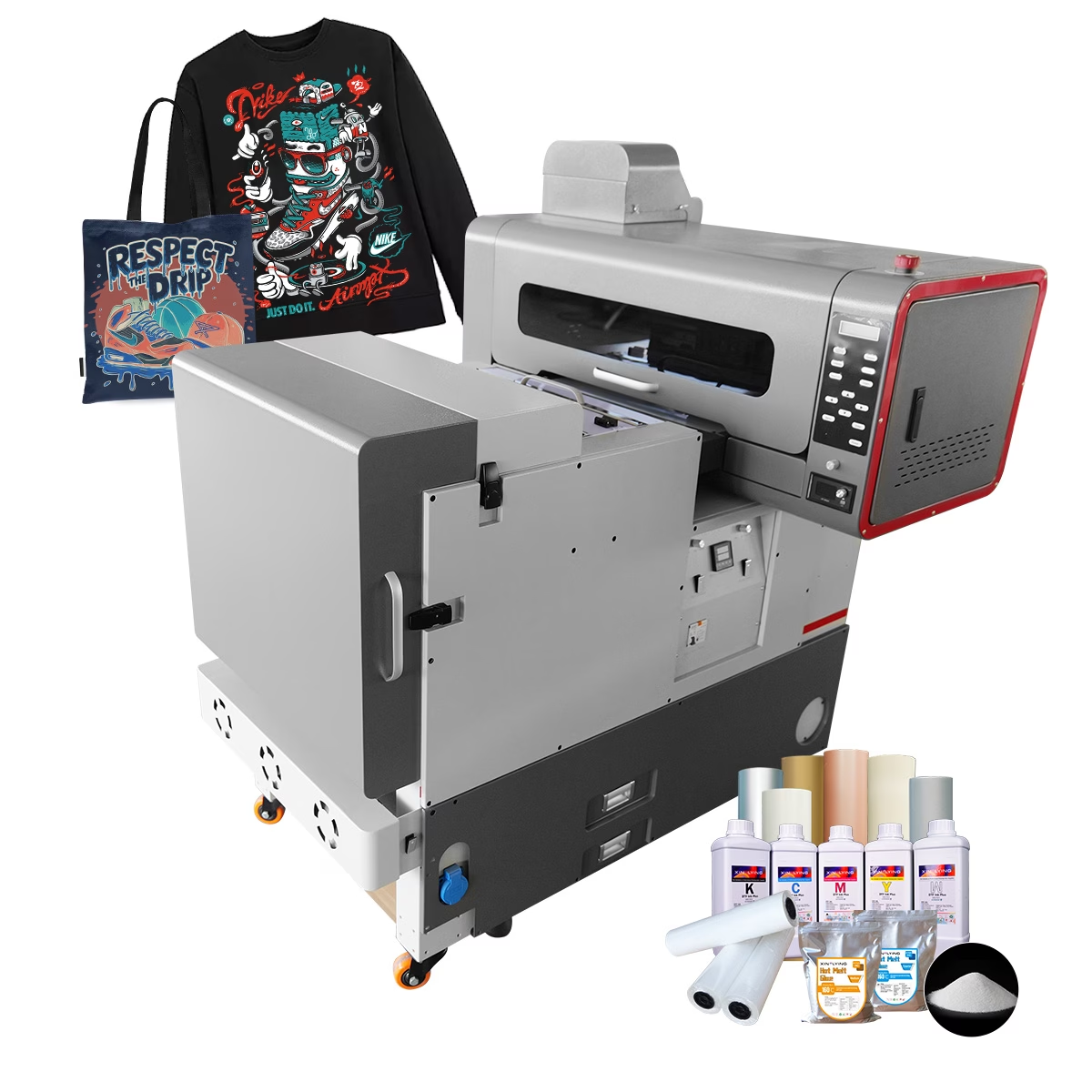
Setting up a Direct-to-Film (DTF) printer is a crucial step for businesses aiming to enter or expand their presence in the textile printing market. With the rise in demand for customized apparel and promotional products, understanding how to effectively set up a DTF printer can significantly impact production quality and efficiency.
Preparing Your Workspace and Equipment
Before initiating the setup process, businesses need to ensure that they have an appropriate workspace that accommodates the printer’s dimensions and components efficiently. A clean, well-ventilated area is essential, as it helps maintain optimal environmental conditions for printing and drying. Ensure the workspace is equipped with adequate power supply and safety measures to support the dual head DTF printer’s electrical requirements.
After preparing the workspace, it’s time to unpack the printer and assess the included components, including the dual head DTF printer itself, power cables, software, and heat transfer systems. Following the manufacturer’s guidelines, connect the printer to the power source and install the necessary software on the computer. It is vital to ensure that the software is compatible with the printer to facilitate seamless operation.
Next, fill the printer with the required inks, preferably high-quality inks recommended by manufacturers like Digital Textile Printer. As part of the setup, calibration may be needed to ensure color accuracy and print quality. Consider running a test print to verify that the printer is functioning properly before proceeding with production.
Configuring the Printer for Optimal Output
Once the DTF printer is connected and operational, the next step is to configure it for optimal performance. This involves adjusting settings within the printer software and ensuring that the parameters match the project requirements. For businesses using dual head DTF printers, understanding the significance of printhead alignment and height adjustment is crucial for enhanced print quality.
The Xinflying A2 and A3+ DTF printers, for example, are designed with advanced EPSON F1080 or I1600-A1 printheads that can produce vibrant transfers with precision. Utilize the software to adjust print settings such as resolution, print speed, and ink saturations according to the fabric and design being used.
Additionally, ensure that the automated small shaker is properly calibrated for even ink distribution during transfers. This functionality helps achieve consistent and high-quality prints across various materials. Regular maintenance of the printer, including cleaning printheads and nozzles, can further optimize performance and prevent printing defects.
Setting the Stage for DTF Printing Success
Successfully setting up a DTF printer involves several systematic steps that can significantly influence print quality and business outcomes. By preparing the workspace appropriately and configuring the printer effectively, businesses can maximize the capabilities of dual head DTF printers, ensuring vibrant and detailed outputs for various applications.
Brands like Xinflying, with their comprehensive DTF printing solutions, provide the necessary equipment and support to help businesses navigate the setup process confidently. With the right DTF printing setup, companies can empower their operations, enhance productivity, and meet the growing demand for custom printing in the textile industry.
